
Guest-Post Management
A shared vendor database with status, spend, and budget tracking per client.
The problem today
Guest-post vendor relationships live in someone's personal notes — status, pricing, and which sites are blacklisted aren't visible to the rest of the team.
How Flioly handles it
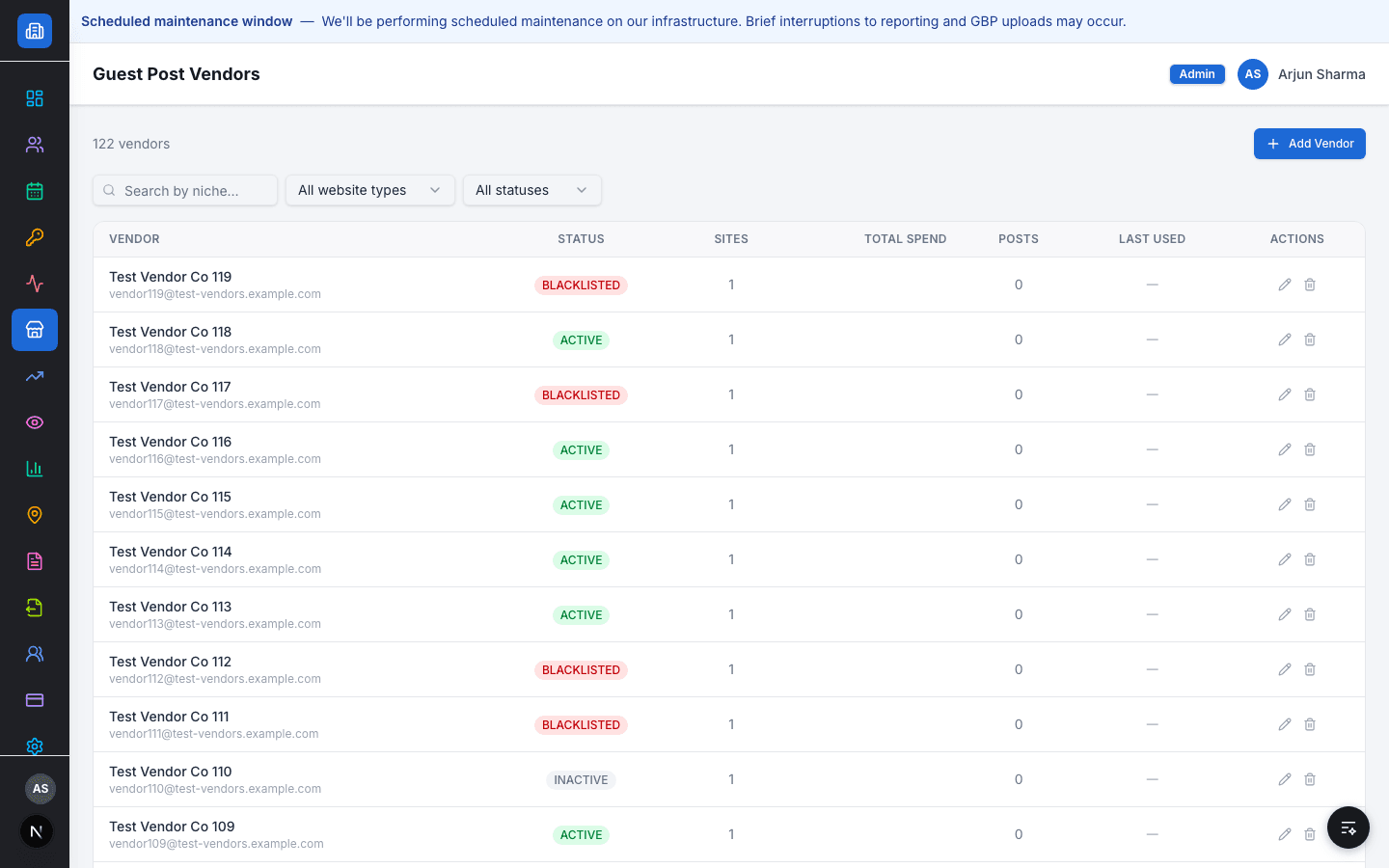
Guest Post Vendors is a shared directory — status (Active/Inactive/Blacklisted), site count, total spend, and post count per vendor, searchable by niche.
Guest-post budgets are tracked per client per month against actual spend, visible on the dashboard alongside every other client metric — not in a separate spreadsheet only one person maintains.
Capabilities
Supported workflow
- 1
Search vendors by niche or website type
- 2
Mark a vendor Active, Inactive, or Blacklisted for the whole team
- 3
Track guest-post budget vs. actual spend per client, per month
Role & access behaviour
SEO Team can browse and use vendors for their assigned clients. Managers and Admins manage the vendor list and see budgets across every client.
Related resources
FAQ
If I blacklist a vendor, does the rest of the team see it?
Yes — vendor status is shared across the agency, not held privately by one person.
Is guest-post budget shown to clients?
No — the budget-vs-spend view is internal only.
See it in your workflow
Book a demo and we'll walk through it with your real client data.