
Team Management
Assign team members to clients and see workload across the agency.
The problem today
Who's covering which client lives in someone's memory or an out-of-date spreadsheet tab.
How Flioly handles it
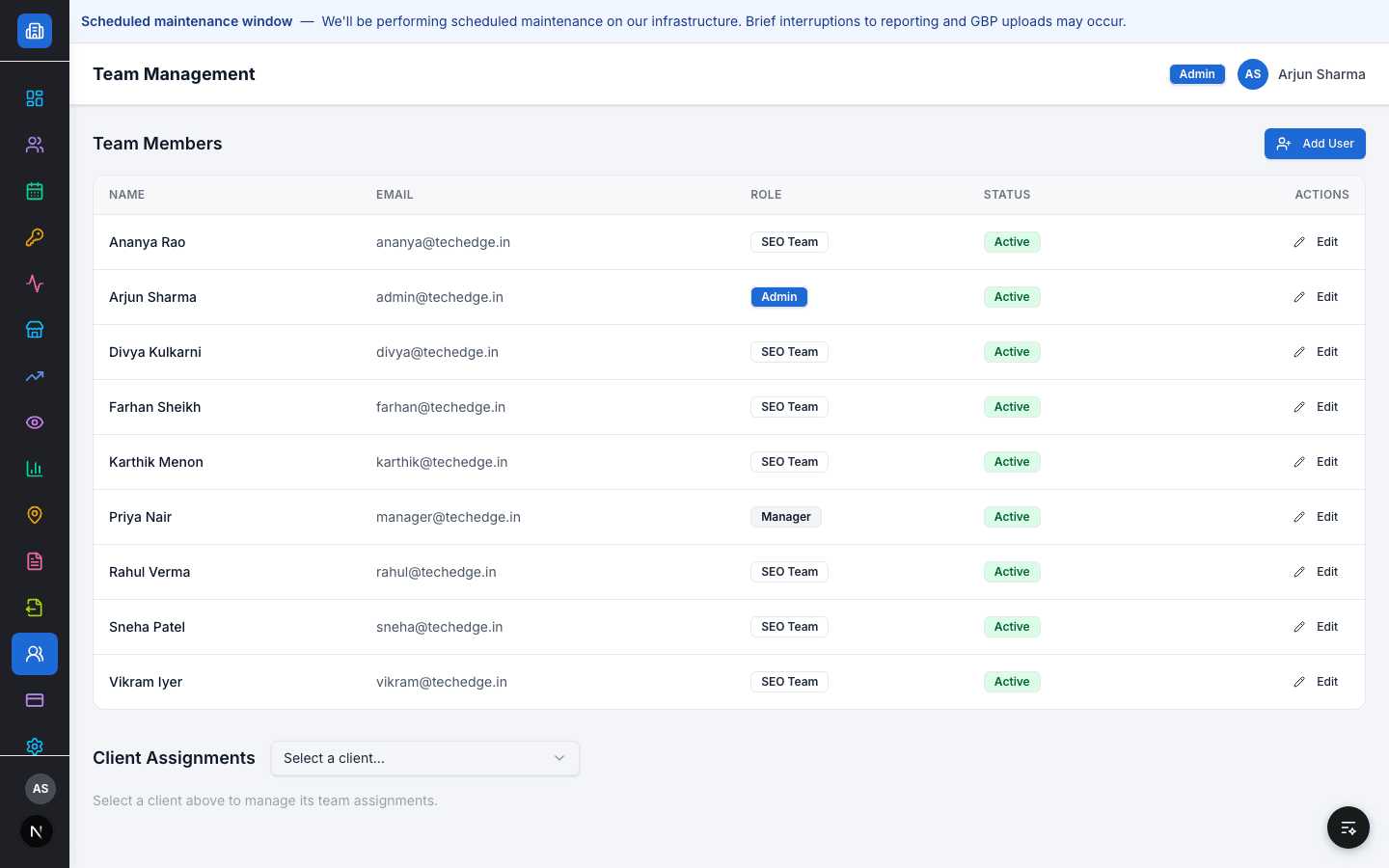
Team Management lists every team member with their role — Admin, Manager, or SEO Team — and lets an Admin or Manager assign team members to specific clients.
SEO Team members only see and act on clients they're assigned to; Managers and Admins see the whole agency.
Capabilities
Supported workflow
- 1
Add a team member and set their role
- 2
Assign team members to one or more clients
- 3
See every client's assigned team from the client record
Role & access behaviour
Only Admins and Managers can add team members or change assignments. SEO Team members see their own assignments only.
Related resources
FAQ
Can an SEO Team member see clients they're not assigned to?
No — access is scoped to assigned clients only.
How many roles are there?
Three: Admin (full org access), Manager (all client access, no team management), and SEO Team (assigned clients only).
See it in your workflow
Book a demo and we'll walk through it with your real client data.